Members Only
OBS Plugin - StreamUP Chat
StreamUP Chat
Twitch chat as a native OBS source. Drop it in a scene, type the channel name, done. No browser source, no custom CSS, no overlay service.
Connects to Twitch chat read-only, no login needed. Messages, emotes, badges, and moderation render in real time inside OBS.
Features
- No login. Anonymous read-only connection. Type a channel name and it works.
- Full emote support. Twitch, 7TV, BetterTTV, FrankerFaceZ. Channel-aware, so it only matches registered emotes.
- Badges and colours. Global and channel badges. Per-role username colours for broadcaster, mod, VIP, sub. Pronouns next to names if you want them.
- 5 layouts. Classic, bubbles, ticker, compact, cards.
- Entry and exit animations. 9 ways in, and auto-hidden messages can fade or slide out instead of popping.
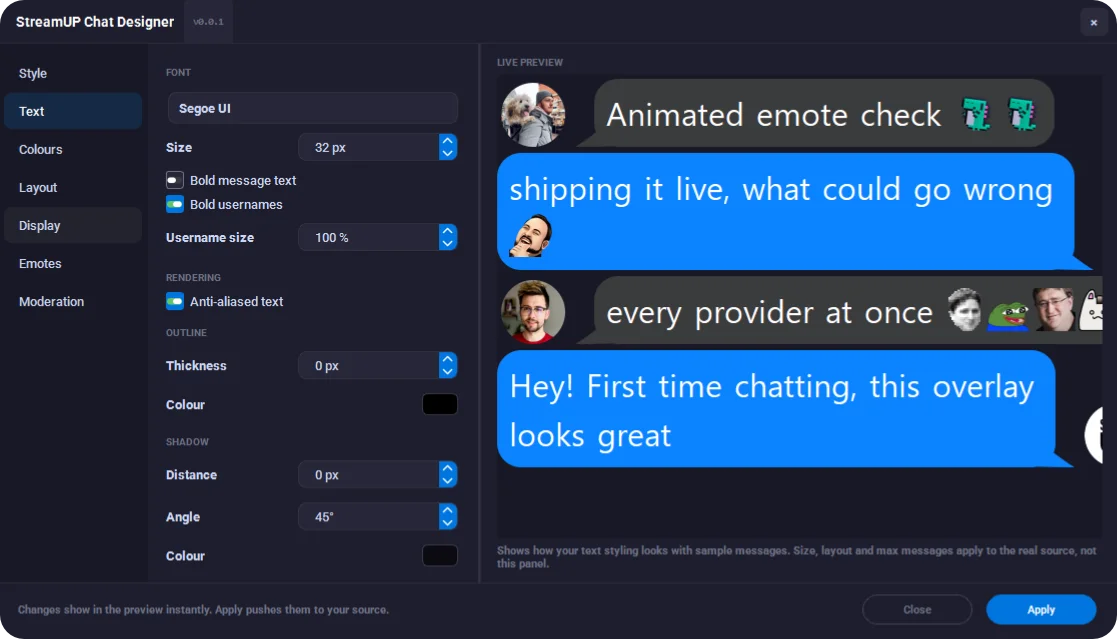
- Chat Designer with OBS as the preview. One dialog for the whole look, organised into tabs: Layout, Text, Bubble, Message, Emotes, Animation, Moderation. Changes apply straight to your source live, Keep or Discard on close.
- Nine slice bubble skins. Draw your bubble from an image. Corners stay crisp, the middle stretches. Nine built in, plus a template folder for your own.
- Squircle corners. From round to a full iOS style curve, without clipping your text.
-
Moderation aware. Deletes strike through or hide. Bans clear the user's messages. Bot and
!commandfilters built in. - Event banners. Subs, raids, and gifts as coloured banners. First-time chatter and channel-points highlights.
- Light on resources. Shared emote cache with ProText. Only redraws when something actually changed.
Setup
- Download the plugin from your member dashboard.
- Run the installer and restart OBS.
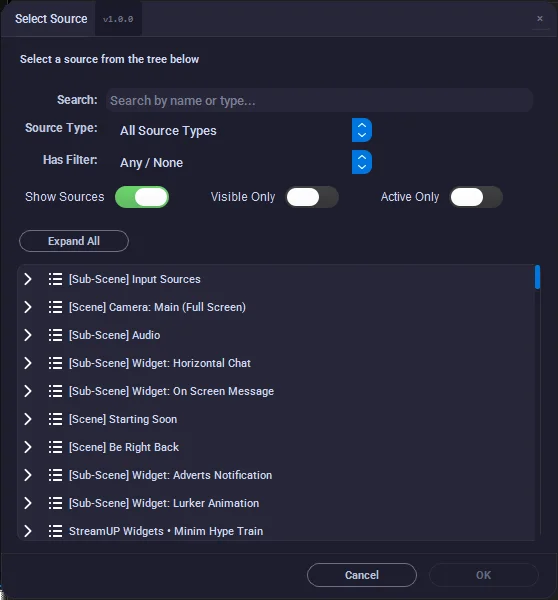
- Add a source, pick StreamUP Chat.
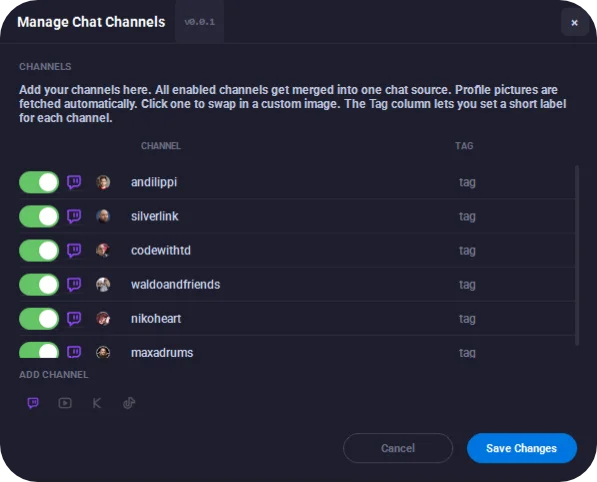
- Type the channel name in properties.
- The Designer opens with the properties, tweak away and watch the source change live.
Patch notes
v0.0.3, 2026-07-17
- OBS is the preview now. The Designer's preview panel is gone. Changes apply straight to the source, so OBS shows exactly how chat looks while you tweak. Sample chat fills the source when no channel is connected. Keep or Discard on close.
- The Designer is reorganised. Clear tabs: Layout, Text, Bubble, Message, Emotes, Animation, Moderation.
- Nine slice bubble skins. Draw your bubble from an image, nine ready made skins built in, plus an example folder to use as a template for your own.
- Squircle corners. New corner curve control, and big rounded corners no longer clip your text or icons.
- Pronouns. Show each chatter's pronouns next to their name (via pr.alejo.io), with a toggle in the Designer.
- Exit animations. Auto-hidden messages can fade or slide out instead of just popping.
- More badge control. Size, a vertical nudge to line them up, and a keep-inside-the-row option.
- Settings that were hiding. Text alignment, timestamps with a custom format, link and mention colours, first message and redeem accents, a source background, italic /me actions and an emote only upsize, all in the Designer now.
- Smarter fitting. Only shows the messages that actually fit the box, and long unbroken words wrap instead of getting cut off.
- Friendlier loading. Avatars and emotes show a placeholder and fade in instead of shoving the text around.
Docs and Support
- Full docs: docs.streamup.tips
- Discord and community: StreamUP.tips