OBS Plugin - Source Explorer
StreamUP Source Explorer
One dock that replaces half the menus in OBS. Pick any source, scene or group and tweak everything about it in one place. Name, transform, audio, filters, properties, all of it.
The headline feature: right-click anything in the dock and it copies the exact Streamer.Bot or OBS WebSocket command to set that value. No more hunting through docs figuring out JSON payloads. Change the value, right-click, paste into Streamer.Bot. Done.
What You Get
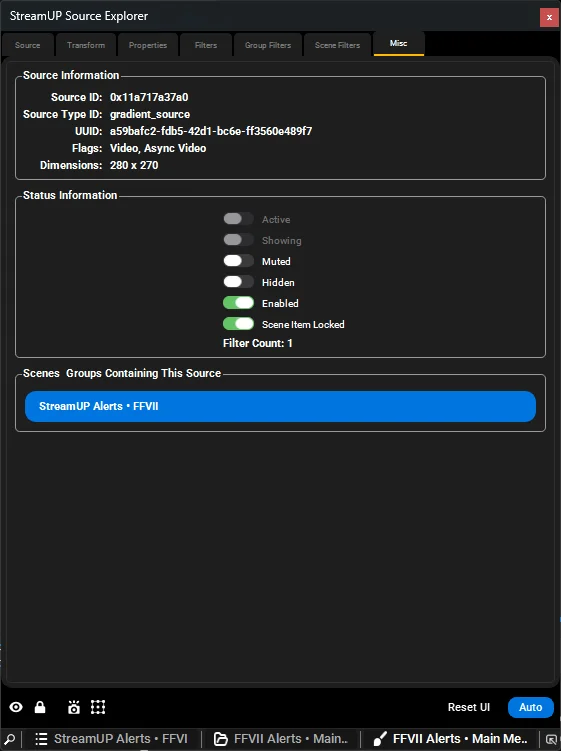
- Everything in one dock. A vertical icon rail covering overview, transform, properties, audio, filters and source info, with an identity bar up top showing live badges for on program, in preview, filter count and muted.
- Command copying on everything. CPH command, OBS Raw payload, or the Get equivalent. Filter settings, audio rows, transform values, the lot. One right-click, one paste.
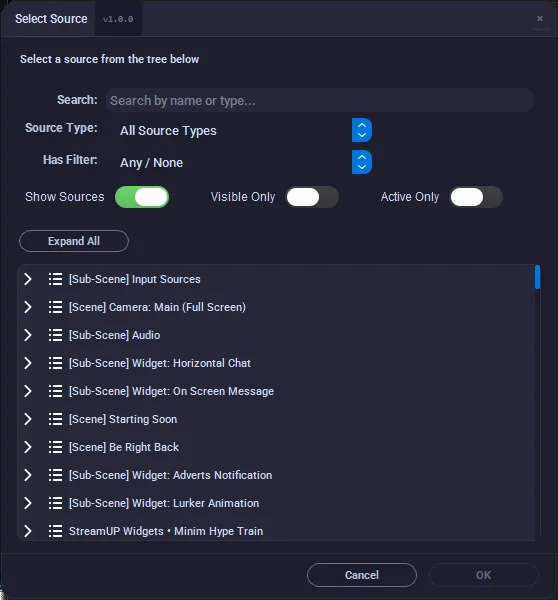
- A slide out source tree. Search scenes, groups and sources and load anything in one click. Scenes and groups are first class, with their own filters and info.
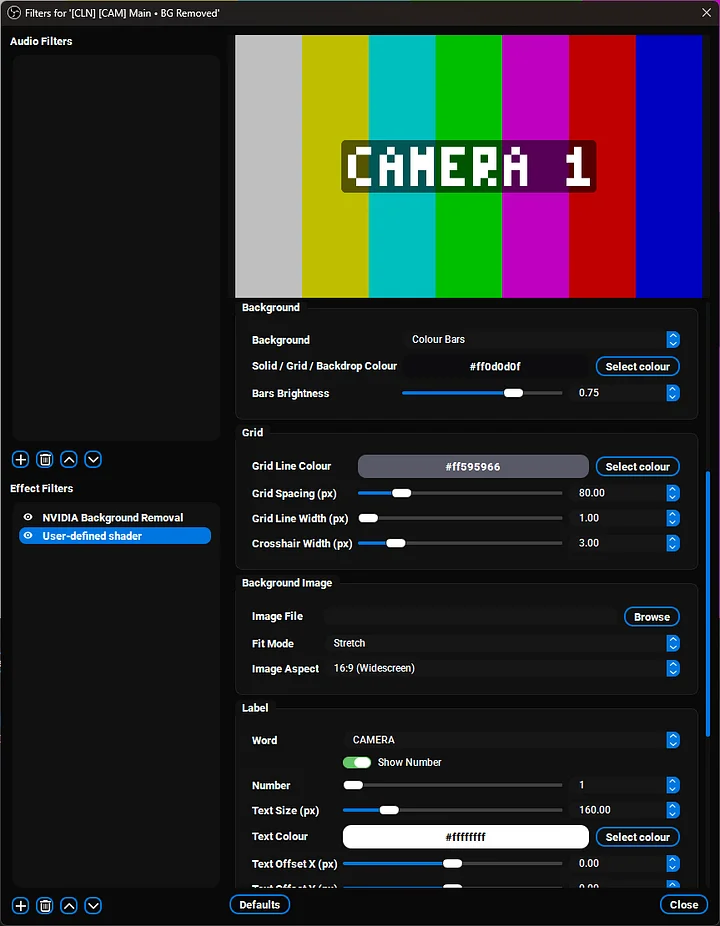
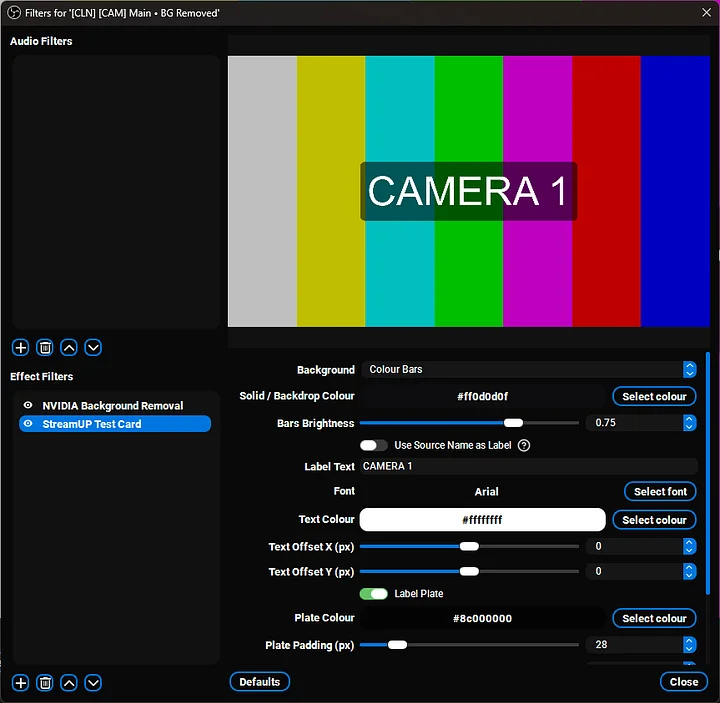
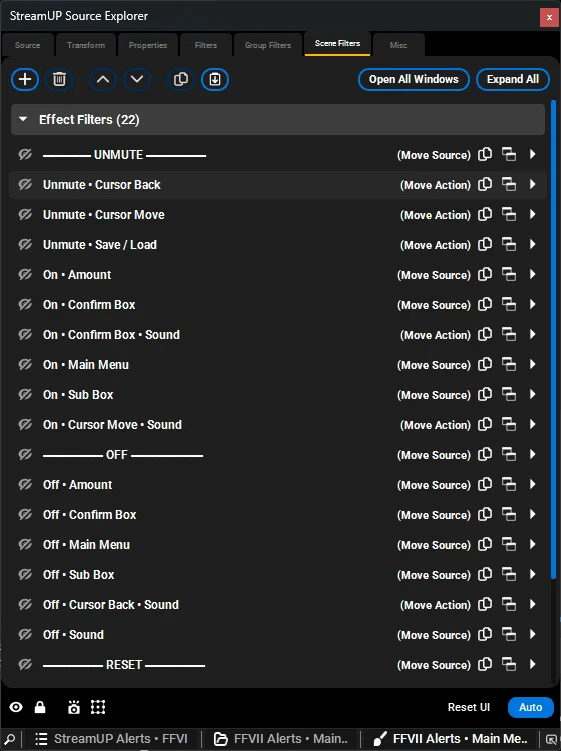
- Filters done properly. Source, Group and Scene tabs with live counts and search. Drag reordering with a clear insertion line that drops exactly where you aimed.
- Copy and paste filter stacks
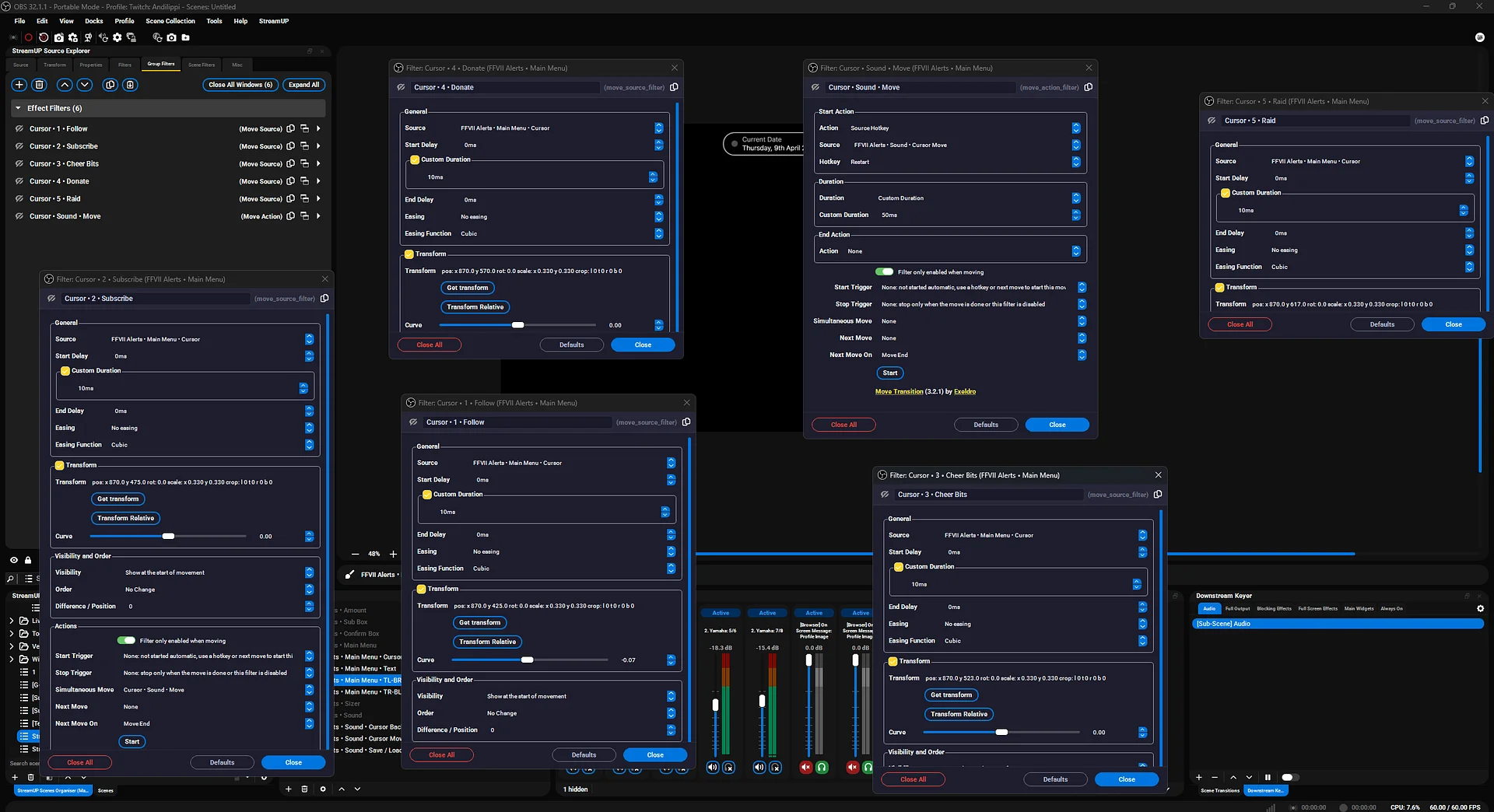
- Filter popout windows. Pop filters into their own windows. Have five open at once across different sources.
Transform quick actions. entre, copy transform, paste transform, withundo. Alignment is a proper 3x3 grid, and fit and centre are canvas aware for vertical setups.Pin and auto-load. Follow your OBS source selection, or pin the loaded source while you click around.Per-property reset on every setting. Right-click, reset, done.Matches your theme. The whole dock follows whatever OBS theme you run.
Platforms
Windows, macOS, and Linux.
Docs
Full documentation is over at docs.streamup.tips/obs/streamup>
Patch Notes
1.1.0 - The redesign (17 July 2026)
- Full inspector redesign: vertical icon rail, identity bar with live badges, and a slide out searchable source tree.
- Scenes and groups load directly as subjects with their own filters and info.
- Filters split into Source, Group and Scene tabs, each with Audio/Video and Effect tabs, live counts and a search box.
- Drag reordering rebuilt with a clear insertion line, instant drops and auto scrolling.
- Copy and paste whole filter stacks, wired into OBS's own filter clipboard both ways.
- Right-click anything for Copy WebSocket Command (Streamer.Bot CPH or raw JSON) and Reset to Default: filter settings, audio rows, transform values, alignment grids, the source tree and the identity bar.
- Filter cards gained Duplicate, Enable and Disable, Move Up and Down, and stack copy and paste.
- Alignment and bounding box alignment are 3x3 position grids. Fit, stretch and centre are canvas aware for vertical and secondary canvases.
- Transform quick actions support undo. Screenshot the source, its group or the whole scene.
- Pin keeps the loaded source while you click around OBS. Filters remember what you had expanded per source.
- Properties load with a progress bar instead of freezing. The whole dock follows your active OBS theme.
- Fixed generated Get commands coming out empty, sync offset units, and transform width and height commands OBS silently ignored.
1.0.0 - First release (17 April 2026)
- One dock for everything about a source: name, transform, audio, filters, scene and group filters, properties and source info.
- Right-click any value to copy the matching Streamer.Bot or OBS WebSocket command, Set or Get.
- Detachable tabs, filter popout windows, and copy and paste filters between sources.
- Transform quick actions: flip, rotate, fit, stretch, centre, copy and paste transform.
- Auto-load follows your OBS source selection. Smart source selector with search and filters.
- Per-property reset on every setting.