Members Only
OBS Theme - StreamUP
StreamUP Theme for OBS Studio
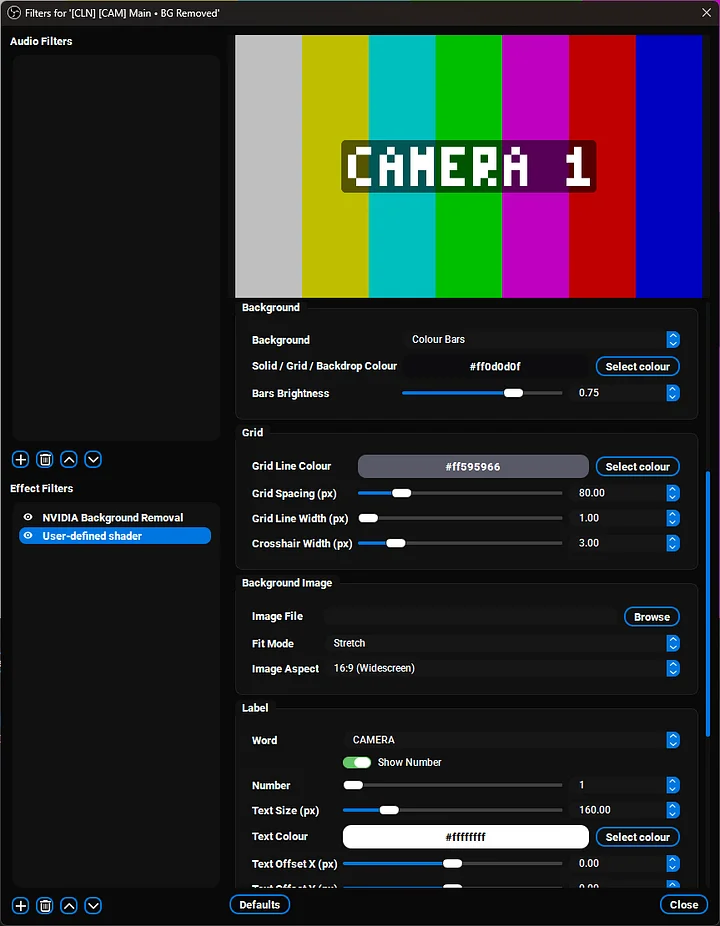
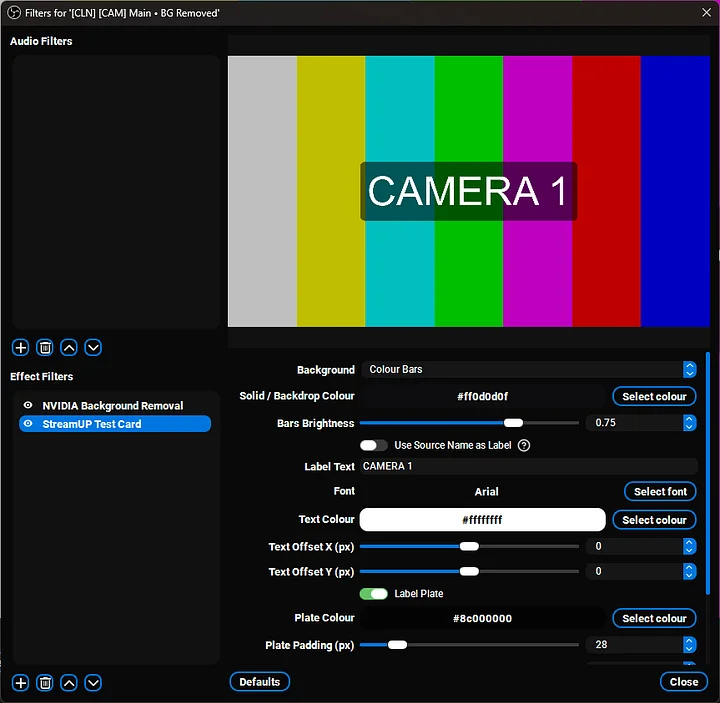
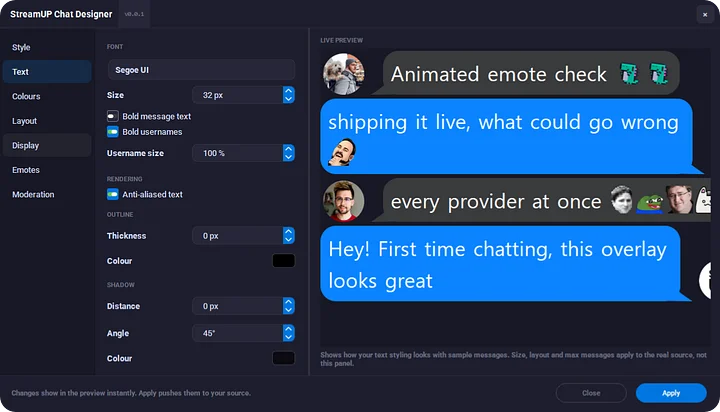
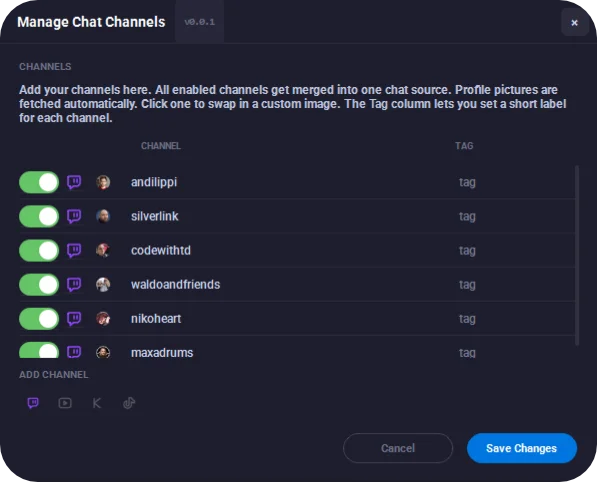
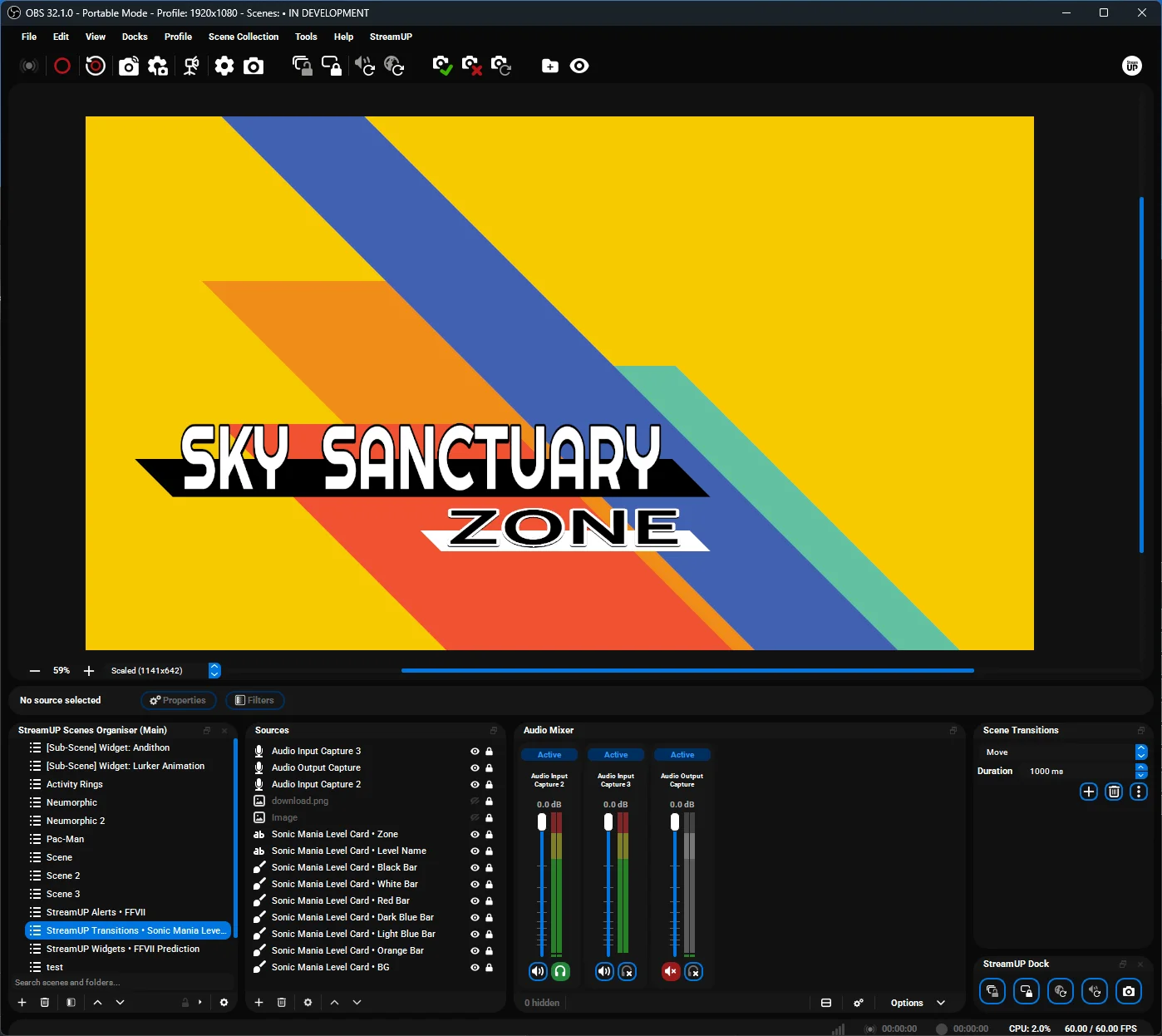
A clean, dark theme for the whole of OBS, with 9 colour variants. Ready for OBS 33.
No installer, just files you drop into OBS. I built it because the default OBS look never quite felt right, and I wanted something nicer to stare at for hours. Pick the variant that suits you, from the default blue to warm gold to a light one.
Key features
- Ready for OBS 33. The new Plugin Manager, its badges and its notices are all styled, not left as plain text.
- 9 colour variants. Default blue, The StreamUP, The Andi, The CodeWithTD, The Silverlink, The Red Platform, The Purple Platform, The Waldo And Friends and The Light One.
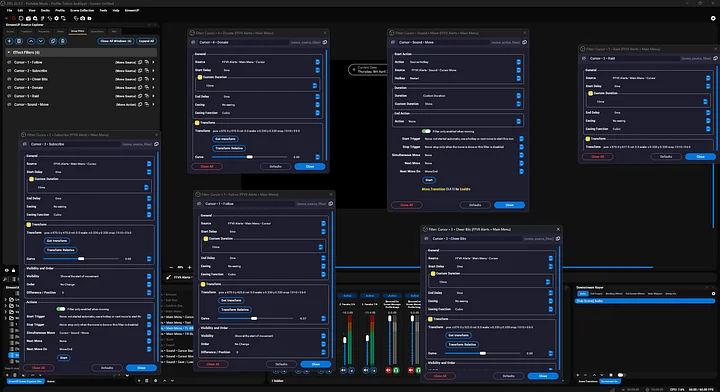
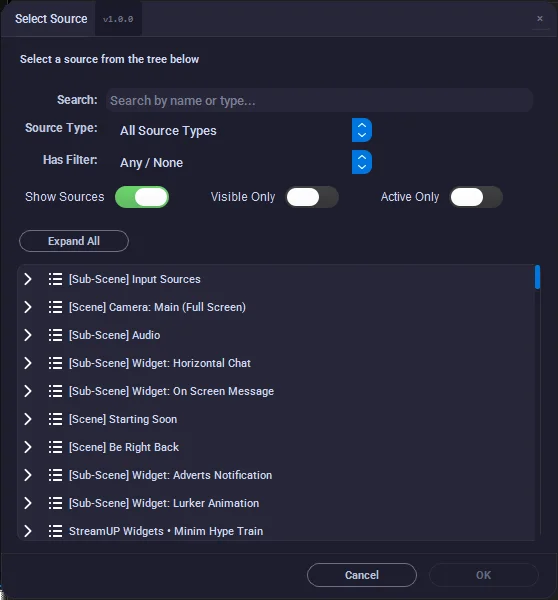
- Full Source Explorer support. The rail, identity bar and tree draw as a single window, matching OBS's own docks.
- StreamUP plugin coverage. Toolbar, Scene Organiser, MultiDock and the adjustment layer dock all match the theme.
- Aitum Vertical Canvas. Its control row and transitions dock look like the rest of OBS.
- Third party plugins. Downstream Keyer, Source Dock, Media Controls, Transition Table, Scene Notes and Draw Dock get proper styling instead of default grey.
Install
- Download the zip.
- Drag the
datafolder from the zip into your OBS folder. Or manually: dropStreamUP.obt, the.ovtvariants and theStreamUPfolder into your themes folder (%APPDATA%\obs-studio\themeson Windows,config\obs-studio\themesinside the OBS folder for portable OBS). - Restart OBS.
- Settings, Appearance, pick StreamUP and your variant.
One tip. If something looks off after updating, close OBS fully and open it again. The theme cache can hang onto the old version.
Requirements
- Windows, macOS or Linux
- Made for OBS Studio 33, still works on OBS 32
Patch notes
v0.1.4, 2026-10-10
- Ready for OBS 33. Plugin Manager rows, badges and notice boxes styled.
- Hidden sources are clearly dimmed again on OBS 33.
- Aitum Vertical Canvas controls match the rest of the theme.
- Scene Organiser and MultiDock polish, and theme rules no longer leak onto plugin docks.
- The Light One shows Source Explorer captions properly.
- First release since 0.0.3, so it also brings full Source Explorer support and OBS 32.2 coverage.
Older versions are in the changelog at the top of StreamUP.obt and on GitHub.
Support
If something's broken or a widget is still looking a bit plain, give me a shout on Discord. Always the fastest way to get it onto the next patch.