Members Only
OBS Shader - Liquid Fill
StreamUP Liquid Fill
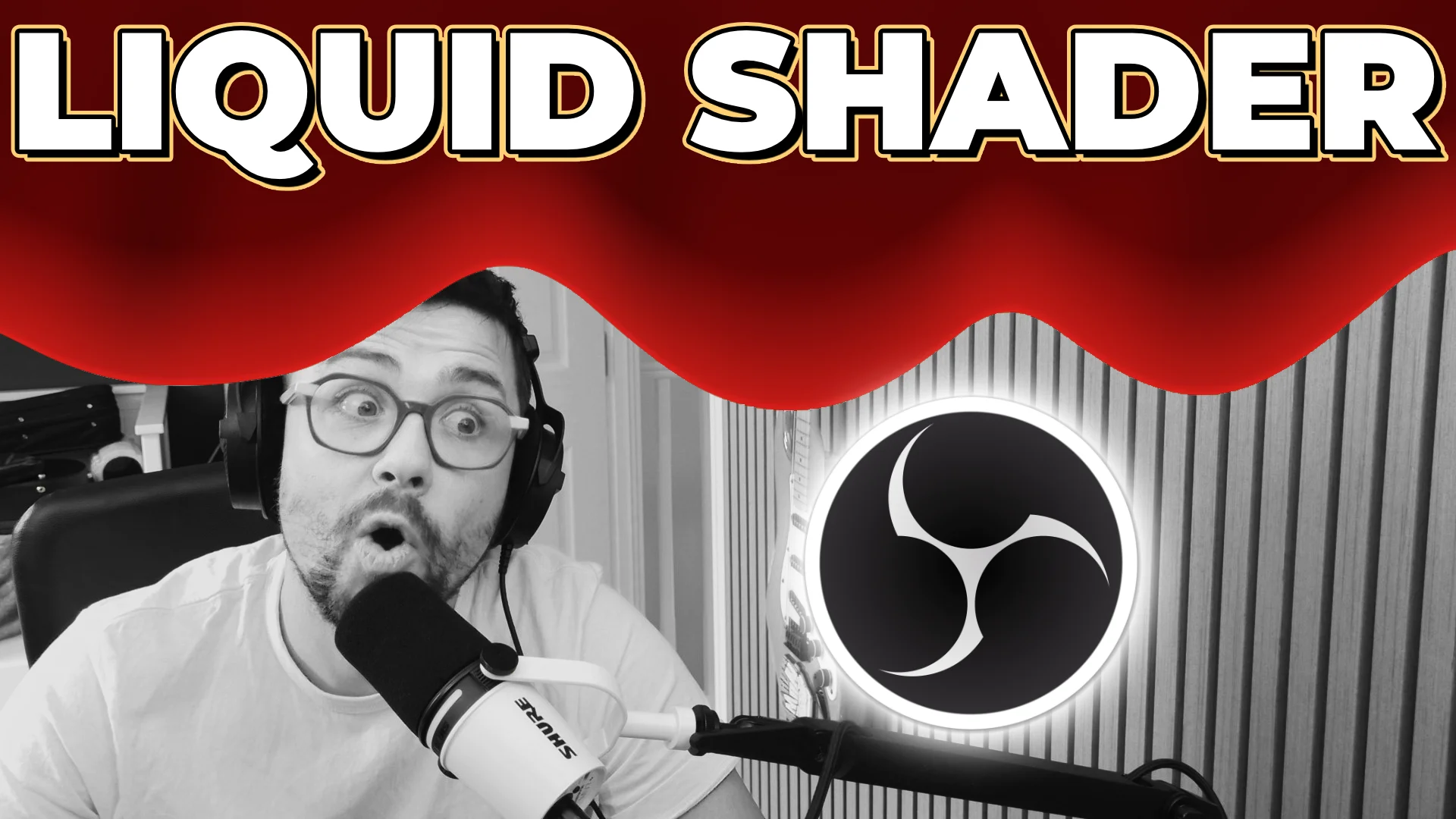
A liquid wash that floods a source from one edge to the other in OBS. A solid body fills in behind ragged drips that run on ahead, so it reads like liquid actually pouring, not a flat wipe.
The default look is the James Bond gun-barrel blood fall. Make it any colour you want: paint, slime, water, whatever. Drive it by hand with Fall Progress, keyframe it with the Move plugin, or switch on Auto Play to run it for you. It pours in any direction, 0 to 360 degrees.
Features
- Fall Progress master. 0 is a clean source, 1 is fully flooded. Drag it, keyframe it with Move, or hand it to Auto Play.
- Pours any direction. 0 to 360 degrees. 0 down for the classic gun-barrel, 90 right, 180 up, 270 left, anything between is a diagonal.
- Ragged drips. Up to 60 drips run ahead of the body. Tune reach, thickness, raggedness, position jitter, and how the joins merge.
- Real liquid feel. Viscosity, fill unevenness, and a lava-lamp sway that keeps the drips moving even while Fall Progress is held still.
- Two-tone depth. Wash colour at the leading edge, a deep colour behind, with depth darkness and falloff for older liquid further back.
- Any liquid. Deep red blood out of the box. Drop the colour's alpha for a see-through tint instead of a full flood.
- Wet shine. Glossy sheen on the leading drips, a thin surface rim line, and flow streaks running through the wash.
- Auto Play and loop. Set the fall duration, loop with a hold at full, add acceleration for a gravity drop instead of constant speed.
- Finish on flat colour. Settle the whole frame to one even colour, or stop the moment the source is covered and keep the wet streaky look.
- Repeatable randomness. Seed for a fixed pattern you can scrub, or randomise each play for a fresh drip layout every run.
Setup
- Install obs-shaderfilter if you haven't already.
- Download
streamup-liquid-fill.shaderfrom your member dashboard. - Right-click any scene or source in OBS, Filters, +, User-defined shader.
- Point Shader text file at
streamup-liquid-fill.shader. No need to expand the canvas. - Drag Fall Progress to pour by hand, keyframe it with Move, or switch on Auto Play.
- Set your wash colour and dial the drips. Done.
Patch notes
v0.0.1, 2026-06-29
- First release. Fall Progress and Auto Play, any direction 0 to 360, ragged drips with viscosity and lava-lamp motion, two-tone depth, wet sheen and surface rim, finish on flat colour, repeatable seed.
Docs and Support
- Full docs: docs.streamup.tips
- Discord and community: StreamUP.tips