Members Only
OBS Plugin - SteamUP ProText
StreamUP ProText
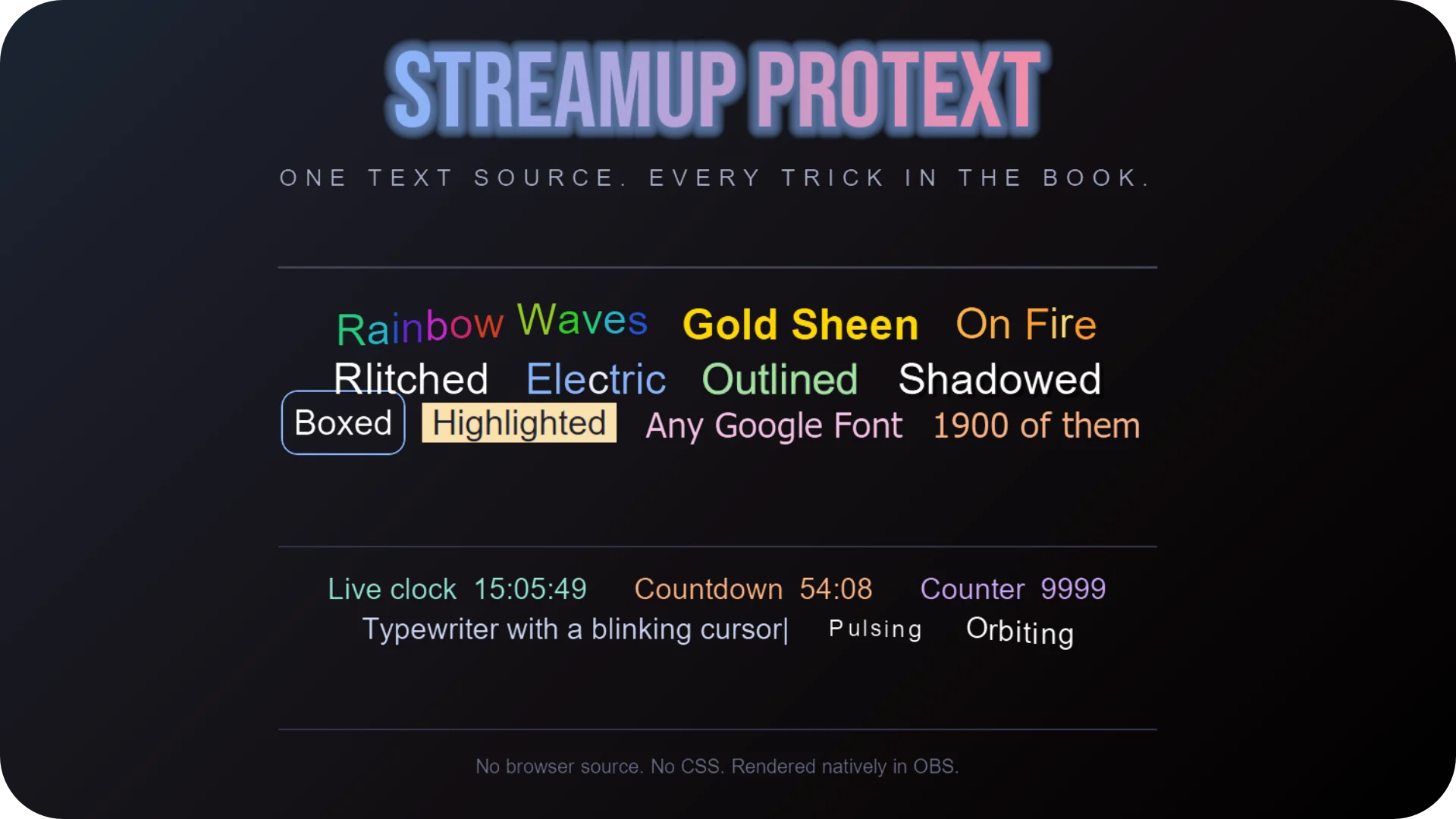
A rich text source for OBS. Type plain text, add ProText tags where you want styling. Bold, colours, gradients, animations, live countdowns, Google Fonts, emotes. All rendered natively inside OBS. No browser source, no HTML, no subscriptions.
If you've ever fought with text overlays in OBS, this fixes that.
Features
- 81 tags. Formatting, colours, styling, animations, effects, dynamic content, emotes, presets.
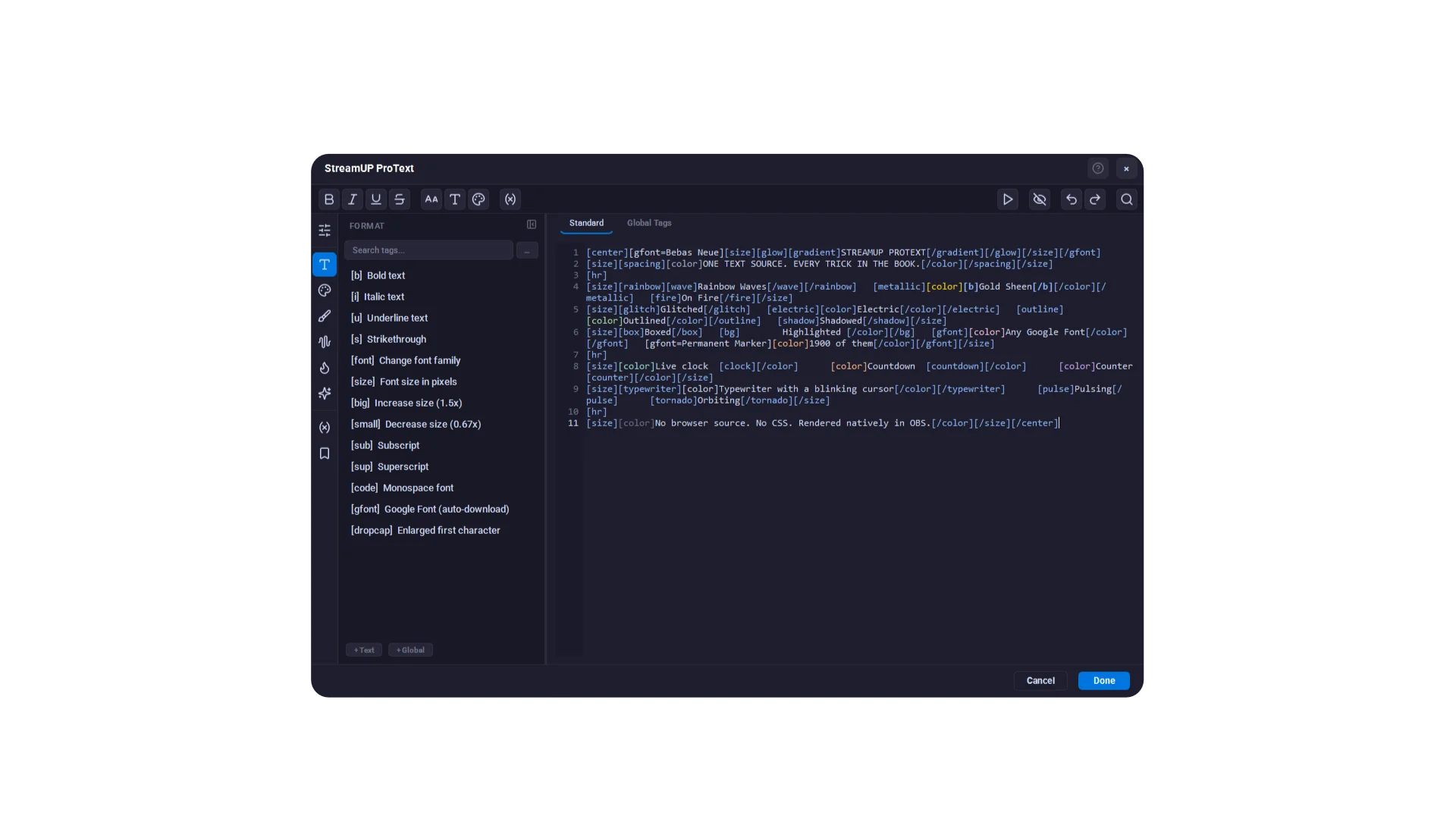
- Pop-out editor. Syntax highlighting, live preview, tag autocomplete, colour picker, gradient designer.
- Animations. Wave, bounce, rainbow, typewriter, glitch, fire, matrix. Per-character with a staggered ripple.
- Live content. Countdowns, clocks with timezones, dates, elapsed timers, animated counters.
-
500+ Google Fonts. Auto-download, cached locally, no API key. Mix fonts inline with
[gfont]. - Emotes by name. Twitch, 7TV, BetterTTV, FrankerFaceZ. Cached so it never hammers the APIs.
- Variables. Update one word via WebSocket without touching the rest of the text.
-
Style presets. Save tag combos, apply with
[use=name]. - WebSocket API. Set text, set variables, replay effects. Works with Streamer.bot.
Setup
- Download the plugin from your member dashboard.
- Run the installer and restart OBS.
- Add a source, pick StreamUP ProText.
- Type your text. Add tags where you want styling.
- Hit Open Editor for the full editor, or Tag Reference to browse every tag.
Patch notes
v0.0.4, 2026-06-06
- New name. StreamUP BBCode is now ProText. Old Streamer.bot setups keep working, the legacy WebSocket vendor name still answers.
- Tag autocomplete in the editor. Type
[and pick from the list, closing tag included. - Live tag editing. Tag windows apply every slider drag straight to OBS.
- Built-in colour picker and gradient designer. No more OS colour dialog.
- Sidebar redesign, one panel per category. New
[sequence]tag, and[random]is properly random now. - Real units on every speed and frequency parameter. Fixed
[mask], 4K DPI scaling, and editor icons.
v0.0.3, 2026-05-08
- Read text from a file with live reload. Same idea as the built-in text source, with all the tags on top.
- Shared emote and font cache with StreamUP Chat.
- Editor UI text scale, 100 to 200%.
-
[typewriter]reveals as one continuous run across line breaks and nested tags. - Vertical gradients work inside
[metallic]and other animated tags. -
[scroll]and[marquee]loop continuously with no dead gap.
v0.0.2, 2026-04-16
- Platform emote tags:
[twitchemote],[7tv],[bttv],[ffz]. - GPU-rendered glow, shadow, and outline in global tags.
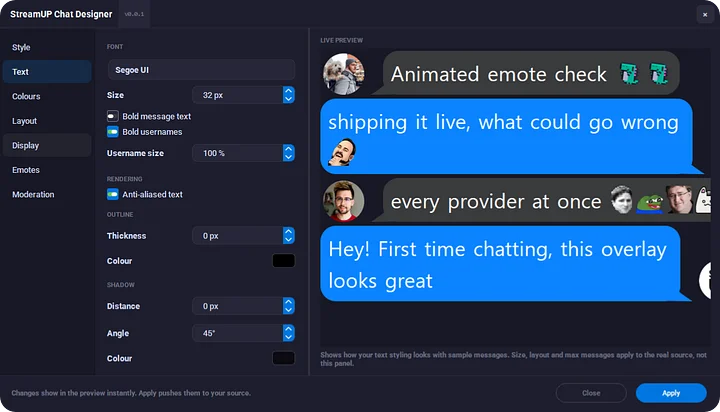
- Shared emote cache across sources. Animated GIF emotes play properly.
- Fixed a crash when switching scene collections.
v0.0.1, 2026-04-02
- First beta. Tags, animations, countdowns, and the editor.
Docs and Support
- Full docs: docs.streamup.tips
- Discord and community: StreamUP.tips